gaming
Best Gaming Monitor Under 10000: 5 Checks Before You Buy

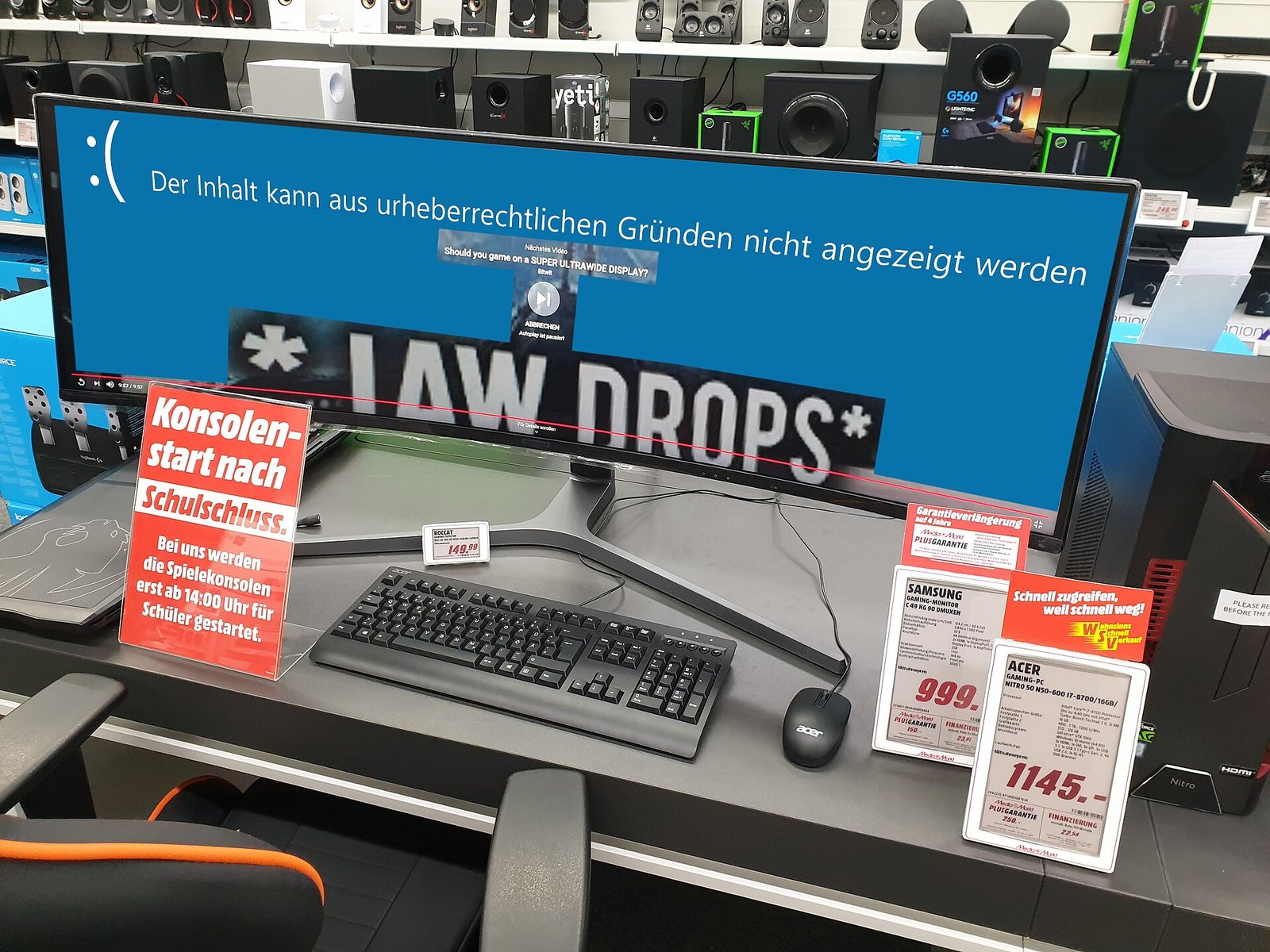
Shopping for the best gaming monitor under 10000 in India used to mean settling for a basic 144Hz screen and hoping for the best. In 2026, that same budget buys 180Hz and even 200Hz or 240Hz panels from MSI, LG, Acer and AOC — but only if you know what to check. The spec sheet can hide the details that decide whether you still like the monitor after six months, so here are the five checks that matter most before you spend your money.
1. Refresh rate: buy what your PC can actually use
The headline number on every box is the refresh rate, and under ₹10,000 you will see 144Hz, 165Hz, 180Hz, 200Hz and even 240Hz. More hertz means smoother motion, but only if your PC can push that many frames. A 240Hz monitor paired with a graphics card that manages 60 frames per second in your favourite game is wasted money — you would never see the extra smoothness.
Before you choose, check the frame rates your current setup reaches in the games you actually play. If you mostly play Valorant, CS2 or other competitive shooters on a modest GPU, a 165Hz or 180Hz screen is the sensible target. If your PC already pushes 200 frames or more, the 200Hz and 240Hz options start to make sense. And if you are building a new PC, read our guide to the best gaming PC under 50000 first — the monitor and the PC have to match, or one of them is holding the other back.
2. Panel type: IPS first, VA second, TN last
The panel decides how the picture looks from your chair. At this budget, almost every good gaming monitor uses an IPS panel, and that is what you should look for. IPS gives you accurate colours and wide viewing angles, so the picture stays consistent even if you lean back or sit slightly off-centre.
VA panels offer deeper blacks and better contrast, which looks great in dark games, but cheaper VA screens can smear fast-moving objects. TN panels are the fastest on paper but have washed-out colours and narrow viewing angles, and they are rarely worth it in 2026 when IPS costs the same. If the listing does not say IPS, check the brand’s own page before buying.
3. Size and resolution: 24 inches at 1080p is the sweet spot
Almost every gaming monitor under ₹10,000 is a 24-inch Full HD (1920 × 1080) screen, and there is a good reason for that. At 24 inches, 1080p looks sharp, and your graphics card does not have to work hard to fill it at high frame rates. A 27-inch 1080p screen at the same price stretches the same pixels over a bigger area, so the picture looks softer — fine for some, but a step down in sharpness.
Do not chase 1440p at this budget either. The few 1440p screens near ₹10,000 cut corners elsewhere, and your GPU will struggle to run modern games at that resolution with high settings. For competitive and casual gaming alike, 24 inches and 1080p is still the right call.
4. Ports: the HDMI version decides your real refresh rate
This is the check most buyers skip, and it is the one that causes the most disappointment. A monitor can advertise 180Hz, but if you connect it through an older HDMI 1.4 port, you may be capped at 120Hz at 1080p. The headline number only applies on the right connection.
Look for DisplayPort if your PC has one — it is the safest way to get the full refresh rate. If you play on a console or a laptop with only HDMI, check which HDMI version the monitor’s ports use: HDMI 2.0 handles 1080p at 240Hz comfortably, while HDMI 1.4 does not. The port list is always in the spec sheet, and two HDMI ports are better than one if you switch between a PC and a console.
5. Warranty and service: three years is the standard now
A monitor is a purchase you keep for years, so the warranty matters as much as the panel. Most big brands now give three years on monitors in India, but the fine print differs — especially the dead-pixel policy, which decides whether a single stuck pixel qualifies for a replacement. LG, Dell, Lenovo and MSI all have service networks across Indian cities; smaller or import-only brands may not.
Before ordering, check the brand’s warranty terms on its India website and read a few recent owner reviews about dead pixels and light bleed. A monitor that arrives with a fault is far more common than most buyers expect, and a strong warranty turns that from a loss into a simple replacement.
Quick picks: what the money buys right now
Prices in this segment move every week, especially during sales, so treat these as snapshots and check the live price before you buy.
| Monitor | Why it stands out | Price seen |
|---|---|---|
| MSI MAG 245F X24 | 240Hz Rapid IPS, the fastest screen under ₹10,000 | ₹9,499 on Amazon.in, 22 Nov 2026 |
| MSI MAG 255F E20 | 200Hz Rapid IPS with DisplayPort, best all-rounder | ~₹8,599, early Nov 2026 |
| LG UltraGear 24GS65F | 180Hz IPS with height-adjustable stand, 3-year LG warranty | ~₹9,799, early Nov 2026 |
| AOC 24G4E | 180Hz Fast IPS, the cheapest of the fast screens | ₹8,430 on Amazon.in, 22 Nov 2026 |
| Acer Nitro VG240Y X1 | 200Hz IPS with built-in speakers | ₹9,588 on Amazon.in, 22 Nov 2026 |
| Lenovo Legion R24e | 180Hz with a fully adjustable stand | ~₹8,499, early Nov 2026 |
| Acer EK240Y P6 | 144Hz, the lowest-price entry point | ~₹6,589, early Nov 2026 |
If you want one default recommendation, the MSI MAG 255F E20 is the safest pick for most players: 200Hz, a fast IPS panel, DisplayPort and two HDMI ports at a mid-range price. Competitive players who can actually use 240Hz should look at the MAG 245F X24, and buyers on the tightest budget get genuine 144Hz gaming from the Acer EK240Y P6 for far less.
Mistakes to avoid
The most common mistake is buying the highest refresh rate without checking your GPU, your cable or your ports — any one of those can cap you below what you paid for. The second is ignoring the stand: a screen that only tilts will strain your neck during long sessions, while height adjustment and VESA mounting keep your setup comfortable. And the third is trusting the “1ms” claim on the box without checking whether it means GtG or MPRT — GtG is the honest number, MPRT is a marketing mode that dims the picture.
Frequently asked questions
Is a 144Hz monitor enough for gaming in 2026?
Yes, for most players. The jump from 60Hz to 144Hz is huge; the jump from 144Hz to 240Hz is real but much smaller, and only competitive shooter players with a strong GPU will feel it. Spend the difference on a better panel or a better stand instead.
Can I use a gaming monitor under ₹10,000 with a PS5?
Yes, but check the ports. The PS5 outputs 1080p at 120Hz over HDMI, so any of these screens works — just make sure the monitor’s HDMI port supports 120Hz at 1080p, and remember that none of these budget screens does 4K.
IPS or VA for a gaming monitor under 10000?
IPS, in almost every case. You get better colours, wider viewing angles and faster pixel response at this price. VA wins on contrast in dark rooms, but budget VA panels are more likely to smear in fast games.
Do I need DisplayPort for a high refresh rate?
Not always, but it helps. DisplayPort is the most reliable way to reach 180Hz and above. Over HDMI, check the version: HDMI 2.0 handles 1080p at 240Hz, while older HDMI 1.4 tops out around 120Hz at 1080p.
What size gaming monitor is best under ₹10,000?
24 inches. At 1080p it is the sharpest size, and every good option at this budget is built around it. A 27-inch 1080p screen at the same price looks softer, so only go bigger if you sit far from the screen.
The bottom line
The best gaming monitor under 10000 is not the one with the biggest number on the box — it is the one whose refresh rate your PC can use, whose IPS panel looks good from your chair, whose ports actually deliver the advertised speed, and whose warranty covers you when something arrives faulty. Run through the five checks above, match the screen to the PC you own, and check the live price before you order. Get those right and ₹10,000 buys a genuinely fast screen in 2026, not a compromise.

Best Gaming Monitor Under 10000: 5 Checks Before You Buy

Best Gaming PC Under 50000: Prebuilt or Custom Build?

Best Gaming Chair Under 5000: Mesh vs Racing Style

Best Gaming Mouse Under 500: 5 Costly Mistakes to Avoid
Best Gaming Keyboard Under 1000: What to Check First

Best Gaming Headphones Under 2000 in India: A Buyer’s Guide
Best Gaming Mouse Under 1000 in India: A Smart Buyer’s Guide
BGMI Redeem Code: How to Claim Free Rewards the Official Way

Best Gaming Earphones Under 1000 in India: Clear Sound, Low Lag, Zero Overspend
BGMI Sensitivity Settings: The Best Values for Steady Aim and Low Recoil
BGMI Esports Registration: How to Register for BGMI Tournaments in India

How to Improve Aim in Valorant: A Simple Beginner Guide
How to Reduce Lag in Online Games: Simple Fixes That Actually Work

Why Women Need More Than One Pair of Flip-flops
WatchNewMovieNet com: Movies, Streaming and Entertainment Explained
BGMI Sensitivity Settings: The Best Values for Steady Aim and Low Recoil
Best Gaming Earphones Under 1000 in India: Clear Sound, Low Lag, Zero Overspend
Best Gaming Mouse Under 1000 in India: A Smart Buyer’s Guide
BGMI Redeem Code: How to Claim Free Rewards the Official Way
Best Gaming Keyboard Under 1000: What to Check First
Best Gaming Monitor Under 10000: 5 Checks Before You Buy
Best Gaming PC Under 50000: Prebuilt or Custom Build?
Best Gaming Chair Under 5000: Mesh vs Racing Style
Best Gaming Mouse Under 500: 5 Costly Mistakes to Avoid
Best Gaming Keyboard Under 1000: What to Check First
Best Gaming Headphones Under 2000 in India: A Buyer’s Guide
Best Gaming Mouse Under 1000 in India: A Smart Buyer’s Guide
BGMI Redeem Code: How to Claim Free Rewards the Official Way
Best Gaming Earphones Under 1000 in India: Clear Sound, Low Lag, Zero Overspend