gaming
Best Gaming Mouse Under 1000 in India: A Smart Buyer’s Guide

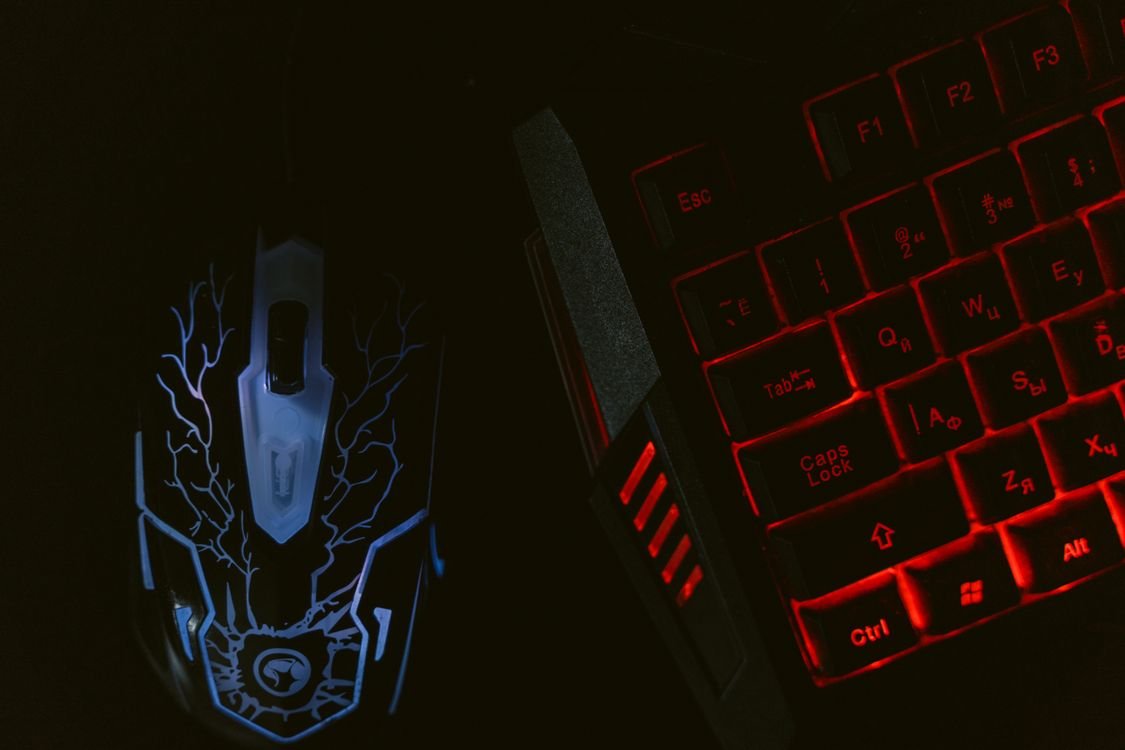
A good gaming mouse does not have to cost a fortune. The best gaming mouse under 1000 in India today comes with a real optical sensor, adjustable DPI, extra buttons and a shape that suits your grip — things that were hard to find at this price only a couple of years ago. The problem is not finding a mouse under ₹1,000. The problem is that dozens of them look identical in photos, and the spec sheet rarely tells you which one will actually feel good after a hundred matches. This guide explains what to check before you buy, and which budget mice are worth your money in 2026.
What Actually Matters in a Budget Gaming Mouse
Before looking at any model, it helps to know the five things that decide how a mouse plays.
The sensor. This is the part that tracks movement. Budget mice now use proper optical sensors, and the names to look for are PixArt sensors such as the 3327, or a manufacturer’s own gaming-grade sensor. A mouse that only shouts about a huge DPI number but never names its sensor is usually hiding a weak one.
DPI, and how much you really need. DPI controls how far the cursor moves for a small hand movement. Most players use somewhere between 400 and 1,600 DPI in shooters, so a mouse that goes up to 8,000 or 12,800 DPI is more than enough. Do not pick a mouse just because its box promises a bigger number.
Polling rate. This is how often the mouse reports its position to the PC, measured in Hz. A 1,000 Hz polling rate means it reports 1,000 times a second, which keeps movement smooth. Many budget gaming mice now offer this, so treat it as a basic requirement rather than a premium feature.
Weight and shape. A lighter mouse, around 55 to 70 grams, is easier to flick quickly in FPS games, while a heavier mouse can feel steadier for casual play. Shape matters more than weight, though. Palm-grip players need a longer, taller shell, claw-grip players need a shorter one, and fingertip players need a narrow, low shell. If you can, hold the mouse before buying it. If you are buying online, check the length and width in the listing and compare them with your current mouse.
Switches and extras. The switches under the main buttons decide how clicks feel and how long they last. Optical switches last longer and avoid the double-click problem that cheaper mechanical switches sometimes develop. Extra side buttons are useful for BGMI emulators, Valorant abilities and MOBA items. Braided cables tangle less, and a detachable cable is a bonus at this price.
Quick Picks: Best Gaming Mouse Under 1000 at a Glance
| Mouse | Around | Best for |
|---|---|---|
| Logitech G102 Lightsync | ₹449–₹755 on sale | Safe big-brand pick |
| EvoFox Blaze Ultra | ₹629–₹689 | Best all-round value |
| Kreo Harpy | around ₹599 | Ultralight FPS aim |
| Zebronics Transformer M Plus | ₹499–₹699 | Budget RGB all-rounder |
| Ant Esports GM320 | ₹498–₹597 | Most buttons for the money |
| Cosmic Byte Raptor | around ₹799 | Best wireless gaming mouse under 1000 |
Prices are approximate, taken from Indian stores in November 2026. They move with sales, so check the live price before you buy.
1. Logitech G102 Lightsync — Best Safe Pick
The Logitech G102 Lightsync is the safest choice on this list, and usually the first one worth considering. It offers up to 8,000 DPI, six programmable buttons, RGB lighting and Logitech’s G Hub software, which lets you remap buttons and set DPI steps properly. Sale prices in November 2026 ranged from around ₹449 to ₹755 depending on the store and the colour, which makes it a genuine under-₹1,000 mouse most of the time. The main reason to pick it is service: Logitech has the widest service network of any brand here, so a warranty claim is far less painful than with a small import-only brand. It is not the lightest mouse, and its shape suits palm and claw grips better than fingertip grip, but for most players it is the low-risk answer.
2. EvoFox Blaze Ultra — Best All-Round Value
The EvoFox Blaze Ultra keeps appearing at the top of Indian budget lists for a reason. At around ₹629 to ₹689 it gives you eight programmable buttons, a 1,000 Hz polling rate, dedicated software and DPI up to 12,800. It also has one of the largest rating bases of any budget gaming mouse in India, with thousands of buyer reviews, so you are not guessing about quality. It is a wired mouse with RGB lighting and a comfortable shape for medium to large hands. If you want the most features per rupee and do not need a big brand name, this is the pick.
3. Kreo Harpy — Best Ultralight Pick for FPS
The Kreo Harpy is built for one job: fast aim. At just 55 grams it is one of the lightest mice you can buy under ₹1,000, and it sells for around ₹599. That low weight makes flick shots and quick turns noticeably easier in Valorant, CS2 and other shooters, especially for low-sensitivity players who move the mouse a lot. The trade-off is a plain, no-frills design: fewer extra buttons and a shape aimed at claw and fingertip grips. If you mainly play FPS games and your current mouse feels like a brick, the Harpy is the cheapest way to feel the difference a light mouse makes.
4. Zebronics Transformer M Plus — Best Budget RGB All-Rounder
The Zebronics Transformer M Plus is the classic Indian budget gaming mouse. It costs around ₹499 to ₹699, offers up to 12,800 DPI, six buttons, a 1,000 Hz polling rate and a detachable braided cable, which is rare at this price. Zebronics is an Indian brand with wide availability, so finding it in stock is rarely a problem. The sensor is not as refined as the ones in the Logitech or the daWg picks, but for casual gaming, MOBAs and single-player games it is more than good enough, and the RGB lighting and shape make it feel like a proper gaming mouse rather than an office mouse with a logo.
5. Ant Esports GM320 — Most Buttons for the Money
The Ant Esports GM320 is the pick for players who want buttons. At around ₹498 to ₹597 it packs seven buttons, DPI up to 12,800, RGB lighting and a braided cable. That makes it a good fit for MMO and MOBA players who map items, abilities or push-to-talk to the side buttons, and for anyone who likes a slightly heavier, fuller shell. Ant Esports is another Indian brand with decent availability, and the GM320 has been a steady seller in this price range for a while. Check that the listing you buy is the GM320 and not an older GM300, since the model names are easy to confuse.
6. Cosmic Byte Raptor — Best Wireless Gaming Mouse Under 1000
If you hate cables, the Cosmic Byte Raptor is the wireless answer at this budget. At around ₹799 it is a dual-mode mouse, so it works both wired and wireless, which means a dead battery never ends your game. It is the only properly wireless pick in this guide, and the best wireless gaming mouse under 1000 for players who want to cut the cable without doubling their budget. Wireless mice at this price will not match the battery life or latency of premium wireless mice, so keep the cable handy for ranked matches and use wireless for casual play. For everyday gaming on a laptop, though, the freedom is worth it.
Wired vs Wireless Under ₹1,000: Which Should You Choose?
For most buyers, wired is still the better choice under ₹1,000. You get a better sensor, a lighter shell and no battery worries for the same money, and modern braided cables barely drag. Wireless makes sense if you play on a laptop, travel with your mouse, or simply hate cable clutter. If you go wireless, pick a dual-mode mouse like the Raptor so you can plug in and keep playing when the battery runs low, and do not expect the battery to last weeks the way a premium wireless mouse does.
Common Mistakes When Buying a Budget Gaming Mouse
The most common mistake is buying on DPI alone. A mouse advertising 16,000 or 20,000 DPI is not automatically better than one rated at 8,000 — most players never use more than 1,600. The second mistake is ignoring grip: a mouse shaped for palm grip will cramp a fingertip player within an hour. The third is buying from an unknown brand with no service in India, because a cheap mouse with a dead switch and no warranty is the most expensive mouse of all. Finally, do not expect a ₹500 mouse to feel like a ₹5,000 one. The aim is honest value — a real sensor, a comfortable shape and buttons that last — not flagship performance.
Complete Your Budget Gaming Setup
A mouse is only half the setup. Your ears matter as much as your hand, especially in BGMI and Valorant, where footsteps tell you where the enemy is. If you are building a budget setup piece by piece, pair your new mouse with good audio — these best gaming earphones under 1000 are the ones worth buying: https://bencodesesports.com/best-gaming-earphones-under-1000-in-india-clear-sound-low-lag-zero-overspend/
Frequently Asked Questions
Which is the best gaming mouse under 1000 in India in 2026?
For most players, the EvoFox Blaze Ultra offers the best all-round value, while the Logitech G102 Lightsync is the safest big-brand choice. FPS players on a tight budget should look at the ultralight Kreo Harpy.
Is a wireless gaming mouse under 1000 worth buying?
Yes, if you pick a dual-mode mouse such as the Cosmic Byte Raptor, so you can play wired when the battery runs low. Pure wireless mice at this price usually trade sensor quality for the wireless feature, so wired still gives you more performance per rupee.
How much DPI do I need for gaming?
Most players use 400 to 1,600 DPI in shooters. Any mouse in this guide that reaches 8,000 DPI or more has plenty of headroom. Sensor quality and shape matter far more than the maximum DPI number.
Do budget gaming mice work on laptops?
Yes. Every mouse in this guide is plug and play on Windows, and most work on macOS and Linux too. The software for remapping buttons is usually Windows-only, so set up your buttons on a Windows PC first if you need custom profiles.
Final Thoughts
The best gaming mouse under 1000 in India is not the one with the biggest DPI number or the brightest lights. It is the one that matches your grip, your games and your budget — a real sensor, a comfortable shape, and a brand that will still answer the phone if something goes wrong. Pick from the shortlist above, check the live price before you buy, and spend the money you saved on the rest of your setup.

Best Gaming Mouse Under 1000 in India: A Smart Buyer’s Guide

BGMI Redeem Code: How to Claim Free Rewards the Official Way

Best Gaming Earphones Under 1000 in India: Clear Sound, Low Lag, Zero Overspend
BGMI Sensitivity Settings: The Best Values for Steady Aim and Low Recoil

WatchNewMovieNet com: Movies, Streaming and Entertainment Explained

Why Women Need More Than One Pair of Flip-flops
How to Reduce Lag in Online Games: Simple Fixes That Actually Work

How to Improve Aim in Valorant: A Simple Beginner Guide

BGMI Esports Registration: How to Register for BGMI Tournaments in India

matoketcs.com as a Forward-Thinking Technology Platform 2026
BGMI Esports Registration: How to Register for BGMI Tournaments in India
How to Improve Aim in Valorant: A Simple Beginner Guide
How to Reduce Lag in Online Games: Simple Fixes That Actually Work
Why Women Need More Than One Pair of Flip-flops
WatchNewMovieNet com: Movies, Streaming and Entertainment Explained
BGMI Sensitivity Settings: The Best Values for Steady Aim and Low Recoil
Best Gaming Earphones Under 1000 in India: Clear Sound, Low Lag, Zero Overspend
BGMI Redeem Code: How to Claim Free Rewards the Official Way
Best Gaming Mouse Under 1000 in India: A Smart Buyer’s Guide
Best Gaming Mouse Under 1000 in India: A Smart Buyer’s Guide
BGMI Redeem Code: How to Claim Free Rewards the Official Way
Best Gaming Earphones Under 1000 in India: Clear Sound, Low Lag, Zero Overspend
BGMI Sensitivity Settings: The Best Values for Steady Aim and Low Recoil
WatchNewMovieNet com: Movies, Streaming and Entertainment Explained
Why Women Need More Than One Pair of Flip-flops
How to Reduce Lag in Online Games: Simple Fixes That Actually Work
How to Improve Aim in Valorant: A Simple Beginner Guide
BGMI Esports Registration: How to Register for BGMI Tournaments in India